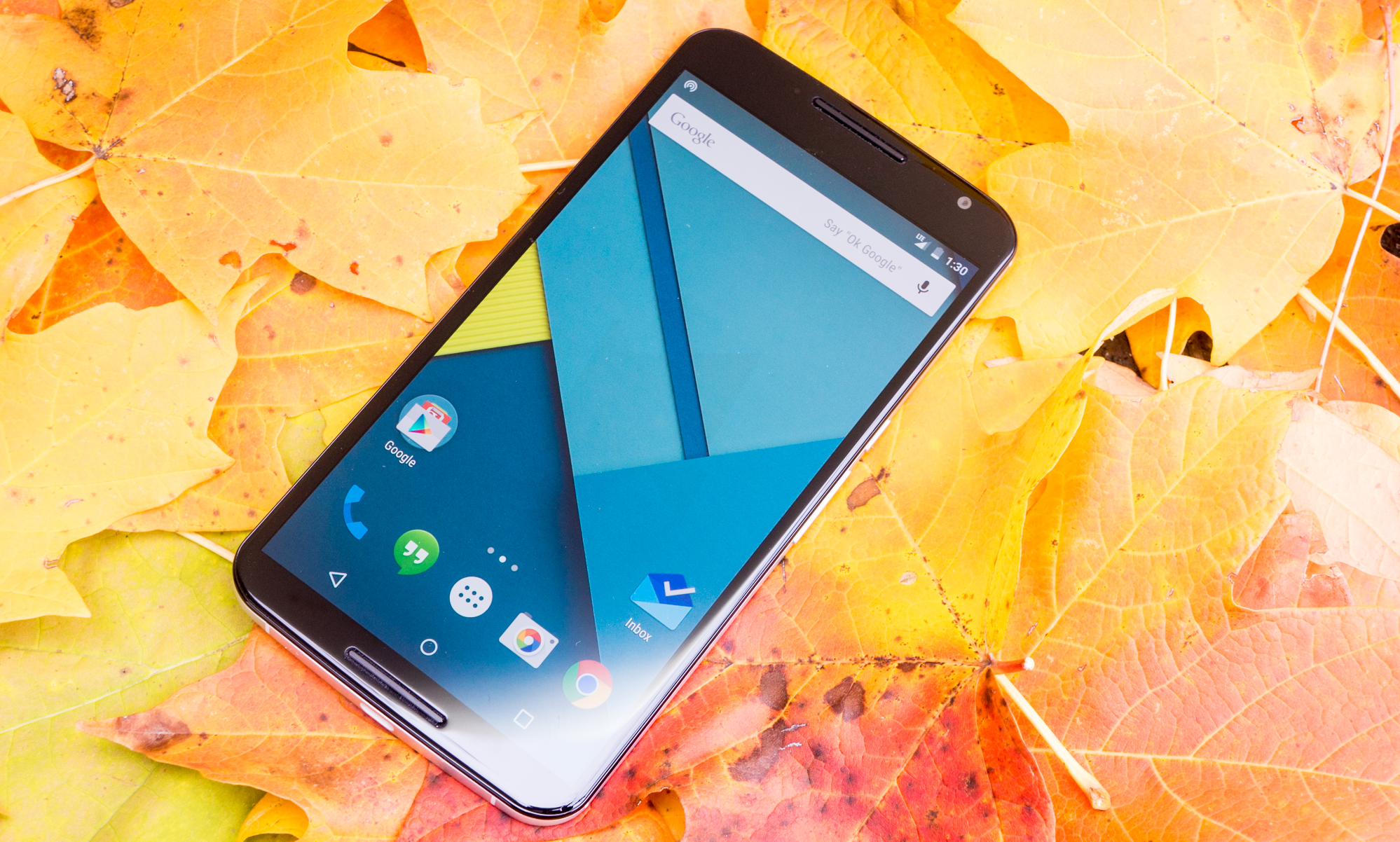
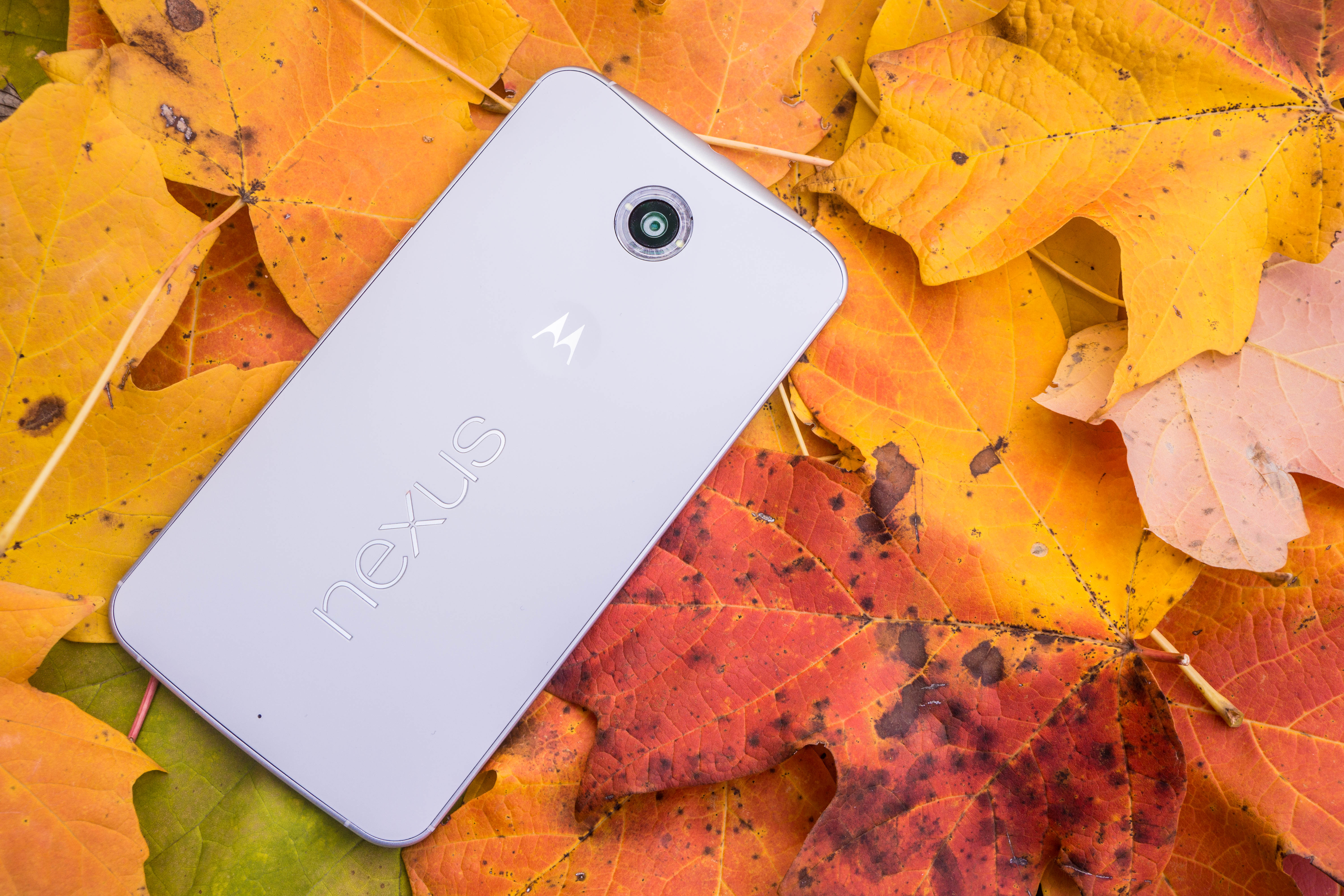
NEXUS 6 A REAL HERO OF ALL TIMES
Reviewing a Nexus phone is always a daunting task. It’s one of the most important devices of the year for much of the Android community, and it represents - in theory - the very best of what Google has to offer on phones for the respective update period.
I’ll start by saying the Nexus 6 is a great phone, albeit huge. It’s also different from previous Nexus phones in a number of key ways, which I’ll try to cover as faithfully as possible in this review.
Besides just being a great phone, though, the Nexus 6 represents a shift for Google’s Nexus strategy. The device is priced like a regular phone, and competes more evenly with similarly priced phones. Gone are the qualifications of “it lacks X but that’s okay because it’s inexpensive.” Google has managed to create what I consider a top-level phone that carries a normal phone price, and will actually be available from all the major carriers in the US. That’s a big deal.
That out of the way, where do we begin? Let’s take a look at some of the general ups and downs, and then we’ll get into the deeper review.

Nexus 6 Specifications
Price: $649/$699 from Google PlaySoC: Qualcomm Snapdragon 805CPU: Quad-core 2.7GHz
GPU: Adreno 420
Display: 1440x2560 5.96",493ppi
Memory: 3GB RAM, 32/64GB Storage
Cameras: 13MP/2MP
Battery: 3220mAh
NFC: Yes
Ports/Expandable Storage: MicroUSB, 3.5mm / None
Thickness: 10.1mm
Weight: 184g
The Good
The Display: The Nexus 6’s QHD display is impressive, bright, and vibrant, despite its two main faults.The Speakers: Both of them produce sound! This sounds like a small victory but it’s actually great. Before HTC introduced BoomSound, I never realized how great it would be to have two front-facing speakers on a phone. The Nexus 6 has this (unlike the Moto X, which only fires out of one speaker), and it sounds good.Everyday Performance: Coming from the Nexus 5 and Moto X, I didn’t think much of this at first, but the Nexus 6 is smooth. It performs really well in everyday use without any noticeable stutters or hangs. This came into sharp focus after I got the Nexus 9, which itself suffers a lot of random performance drags. Lollipop gliding smoothly all day is really a great experience.Lollipop: I won't rehash everything we've learned about the OS in this review, but Lollipop is so much more than a facelift for Android, and running Lollipop on the Nexus 6 is great.
The Not So Good
Optimization: As I said before, performance is great, but there are a few areas where the software could stand tweaking to make it perfect. One of these areas is ambient display, which is sometimes too slow to activate.Video capture: The camera still wants to refocus itself in a noticeable way during capture, and digital zoom is choppy, but what you actually capture still makes a decent end product.Size (maybe): This is a plus for some people and a minus for others. I am neutral on the subject for the most part, but the size of the Nexus 6 does objectively preclude the “one-handed use” standard most have for smartphones.Removable battery and SD slot: This is another minus that will likely not apply to everyone reading. These are two features people love about other devices, but features we likely won't see in a Nexus device any time soon.
My overall opinion of the Nexus 6 so far is a positive one. It’s a well-built phone with great performance, a good display, above average speakers, a good camera, and a decent (though not mind-boggling) battery. I’m not sure that any major pillar is missing or severely lacking here (unless you count availability). All of that said, let’s get into the details.
Design and Hardware
As I said in my initial hands-on, the Nexus 6 is not built like a typical Nexus device. In fact, instead of going over every detail, it would be easier simply to say that the Nexus 6 is like a giant Moto X plus a Nexus logo and the old-style Moto dimple on the back. That’s it.
One theory behind this is that the Nexus 6 may have previously been the Moto S, Motorola’s rumored silver device that would have ostensibly been scrapped when the project’s lead left Google and the Nexus program was confirmed to still be alive.
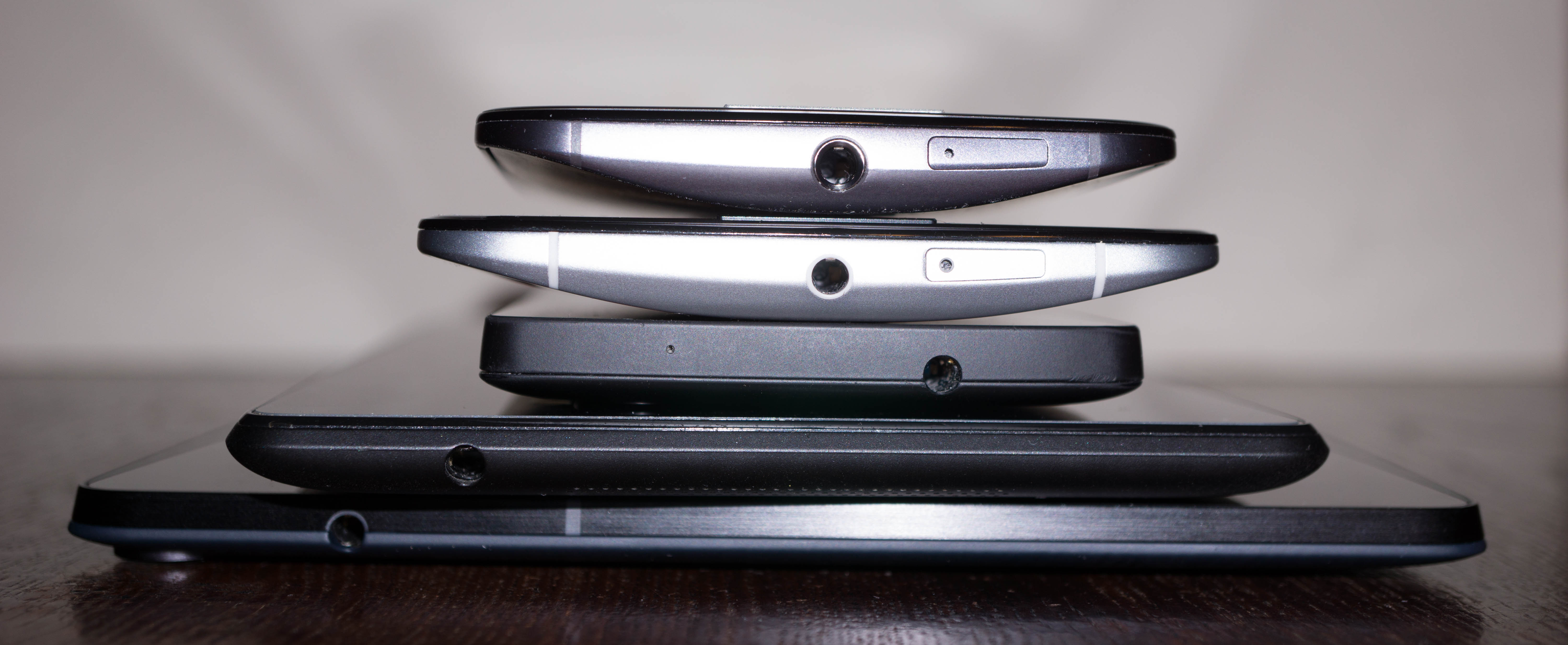
Whatever the case, it breaks with the Nexus design language we’ve seen since the original Nexus 7 - a flat back that curves at the edges, an inward-angled frame, and a flat top.
The N6 has a curved back that tapers at the edges, a curved display, and a straight metal frame.
Meanwhile the Nexus 9 picks up on the typical Nexus shape perfectly.

From the top: Moto X, Nexus 6, Nexus 5, Nexus 7 (2013), Nexus 9
Regardless of whether it looks like a Nexus, the N6 feels good to hold. Moto’s design language is excellent for phones. The curved back rests comfortably in my palm, and the rounded screen is great for side-navigation and other gestures.
The phone is big, though (as if you didn’t know). Its 5.96” display is massive, but its bezels are not. It seems Moto did its best to eliminate bulk here, but there’s no denying that the N6 is huge. It takes some adjustment to get used to.
The phone sticks out of my back pocket, and can rest comfortably (if snugly) in most of my front pockets. Adjusting to putting it in your pocket is actually a thing that will happen, if you’re coming from a smaller device. But it gets much easier after a few days of carrying the phone around.

Next to the Moto X 2014
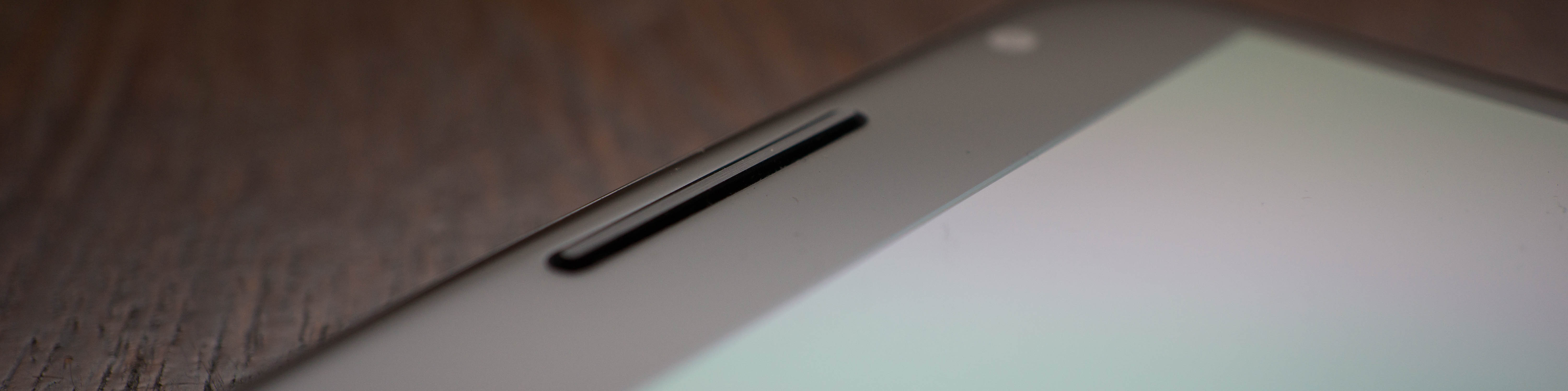
Thankfully, the speaker grills on the front are flat (not textured) and black, rather than serrated and silver like on the Moto X. This helps them stay discreet, though they do still protrude over the surface of the screen which may or may not cause you anxiety.

Speaking of the screen, the Nexus 6 has a great display. Its 493ppi resolution shows an incredible amount of detail, even making obvious the difference in stroke-widths between lowercase L and uppercase I in sans serif fonts. As I said in the initial hands-on, there are green and magenta shifts at the edge of some graphics (likely due to the sub-pixel layout), but these aren't noticeable at normal viewing distance. Also, while the screen is a little warmer than the Nexus 5, it also benefits from the AMOLED panel's saturation - there's no shortage of color on the Nexus 6.

Battery Life
This, of course, is a big deal. Nexus phones of the past haven’t exactly been known for stellar battery life.
Before we dig in to the Nexus 6’s battery life, I want to qualify the battery portion of the review. Battery life is my least favorite part of the review because - no matter what - it won’t be truly accurate to every reader’s real-world use. Scientific screen-on tests may make a good benchmark, but they don’t reflect real world use, while telling readers about my real world use won’t reflect thereader's use patterns, signal strength, etc.
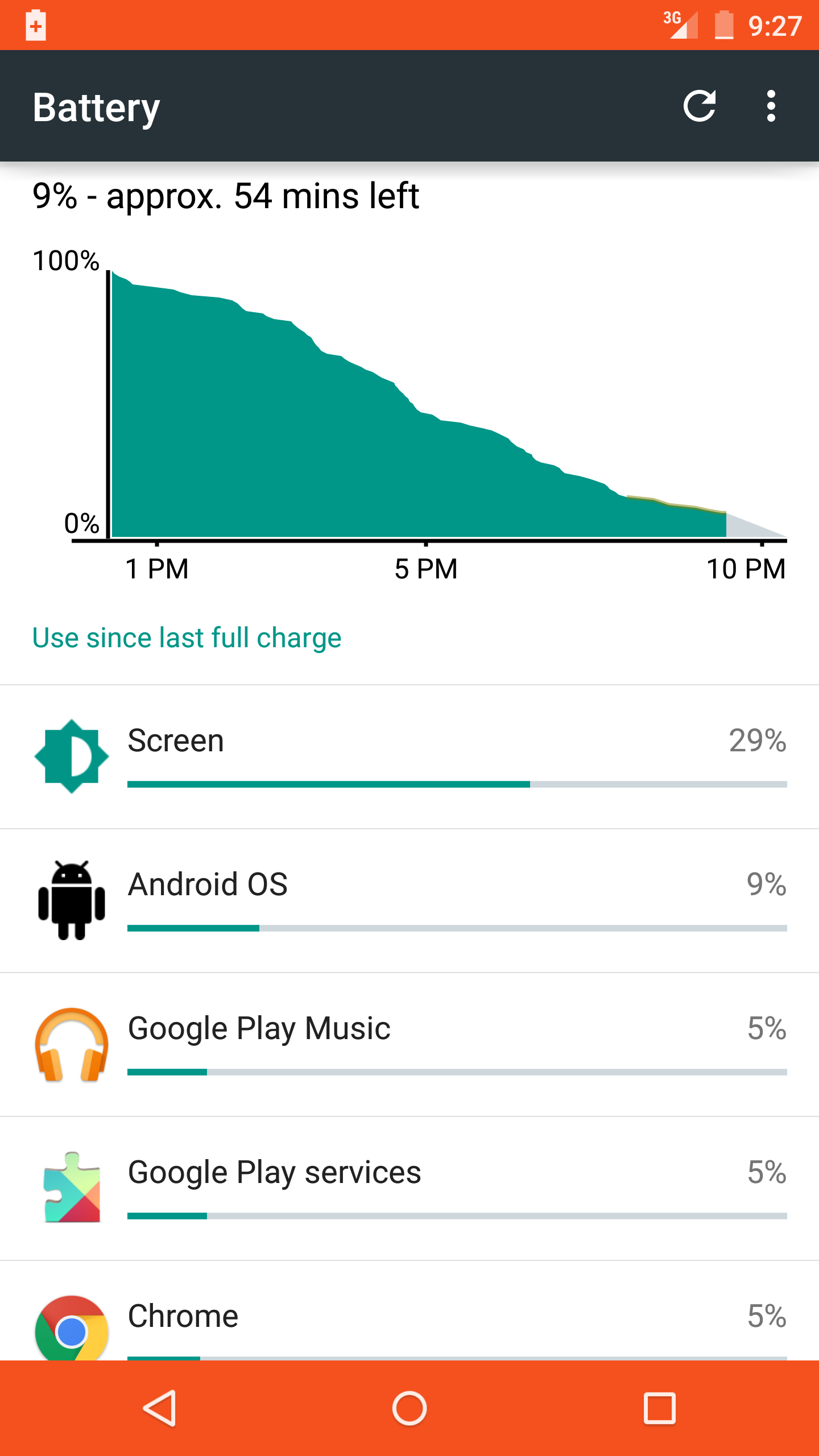
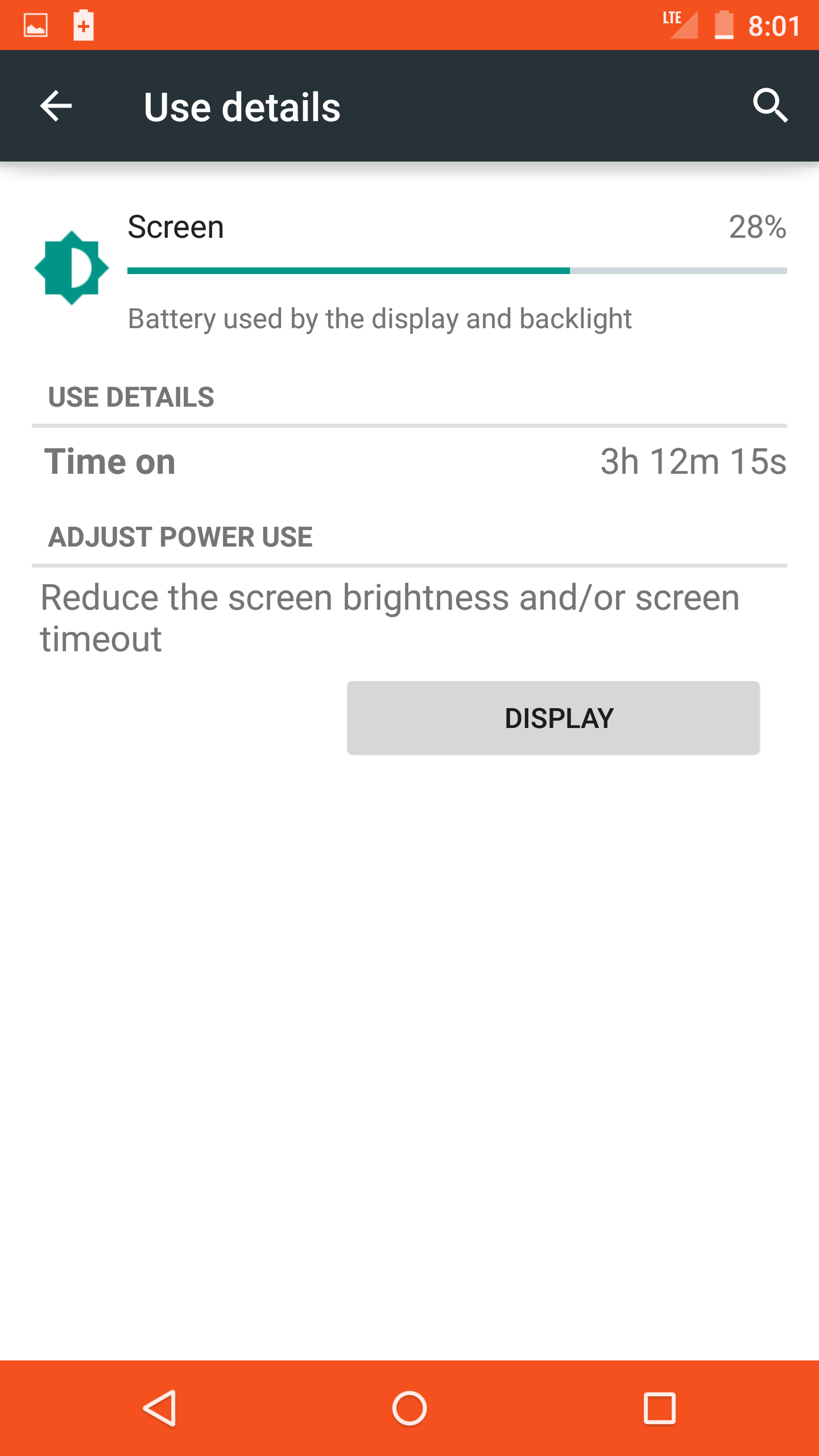
That said, I have found the Nexus 6 to have respectable battery life. Here’s a look at an average day with the N6. While using the Nexus 6, my brightness was almost always at maximum, and I was connected to mobile data exclusively.


On a day with heavy navigation use, the battery did suffer considerably.


On the whole, the first set of shots is what I experienced most days, which comfortably got me through an entire day and evening. The phone definitely still needs to be charged every single day, but that’s what I expect until a breakthrough in battery tech actually materializes in production devices. One aspect of the battery that really impresses me is Lollipop's battery saver mode, which squeezes every last drop out of the battery, though the fact that it eliminates animations can make the overall user experience a little jerky.
Speaking of charging, the Nexus 6 has wireless charging (something sadly lacking on the Nexus 9). There are some magnets in the back so presumably it will stick to the square charging mat by Google, but I don’t personally own one so I can’t speak to its stability specifically.

The Nexus 6 comes with a turbo charger from Motorola, which is an amazing benefit. The charger is able to take the Nexus 6 battery from 7% to 100% in about half the time it took to charge using a regular adapter (just over an hour vs about 2 hours). The length of time the phone takes to charge either way will, of course, depend on what you're doing with the phone at the time. While testing it out, I left the phone basically untouched, except to check its progress.
Connection and Call Quality
I'll get through this part quickly and painlessly - WiFi performance on the N6 has been great in my experience, Bluetooth is exactly as I'd expect, and mobile data connection (despite a colorful indicator in my battery stats) has been serviceable on T-Mobile's network. As I sit at home writing this review, my signal strength is at -99 dBm, ranging up to -150dBm as I drive around town.
Call quality is also what I'd expect given the quality of the Nexus 6 speakers. The quality is clear and volume goes way past the level I'm comfortable with. Using the phone on speaker is a night-and-day difference from the Nexus 5's single, bottom-firing speaker.
Audio and Speaker
Speaking of speakers, the Nexus 6 has two that face forward. As I’ve already said a few times, I’m loving the audio on the Nexus 6. With previous phones, I’ve never actually listened to music from the speakers for any real length of time, but I have a few times since having the Nexus 6.
In the initial hands-on I noted that I am in no way, shape, or form an audio expert, so my experiences and statements on audio should be taken for what they’re worth.
The speakers get as loud as I want them to (filling a medium-sized room without being too loud), and sound pretty good. As I said in the initial hands-on, they aren’t perfect - there’s still distortion at top volumes on certain tones, but they perform admirably.
Camera
This is another hot topic for Nexus users. And, as with the battery, I have some thoughts about how to properly gauge performance. I feel that camera performance can be best characterized in a review based on its average performance in a variety of categories - how sharp is the lens, how good is the sensor, how is the processing, how does the camera handle low light, and how are the videos?
But in the end, how a user feels about a mobile camera will depend on preference. Few are looking to mobile cameras to be the paragon of control and accuracy (though heightened controls and accuracy would be great), so while judgments can be made on those topics, I'd prefer to let readers take a look for themselves. As I've said in previous reviews, mobiles cameras are a different beast from "real" cameras. The way that people expect and are expected to interact with them is different. Mobile cameras need to be smarter, faster, and - ideally - just as good. We still aren't that much closer to that goal than we were last year, but baby steps are being taken.
As for my impressions? So far they are positive. The camera compares well against the Moto X and Nexus 5, both devices not particularly known for their photographic prowess. While there is still a little work that could be done to improve the camera, it's already pretty good in my experience.
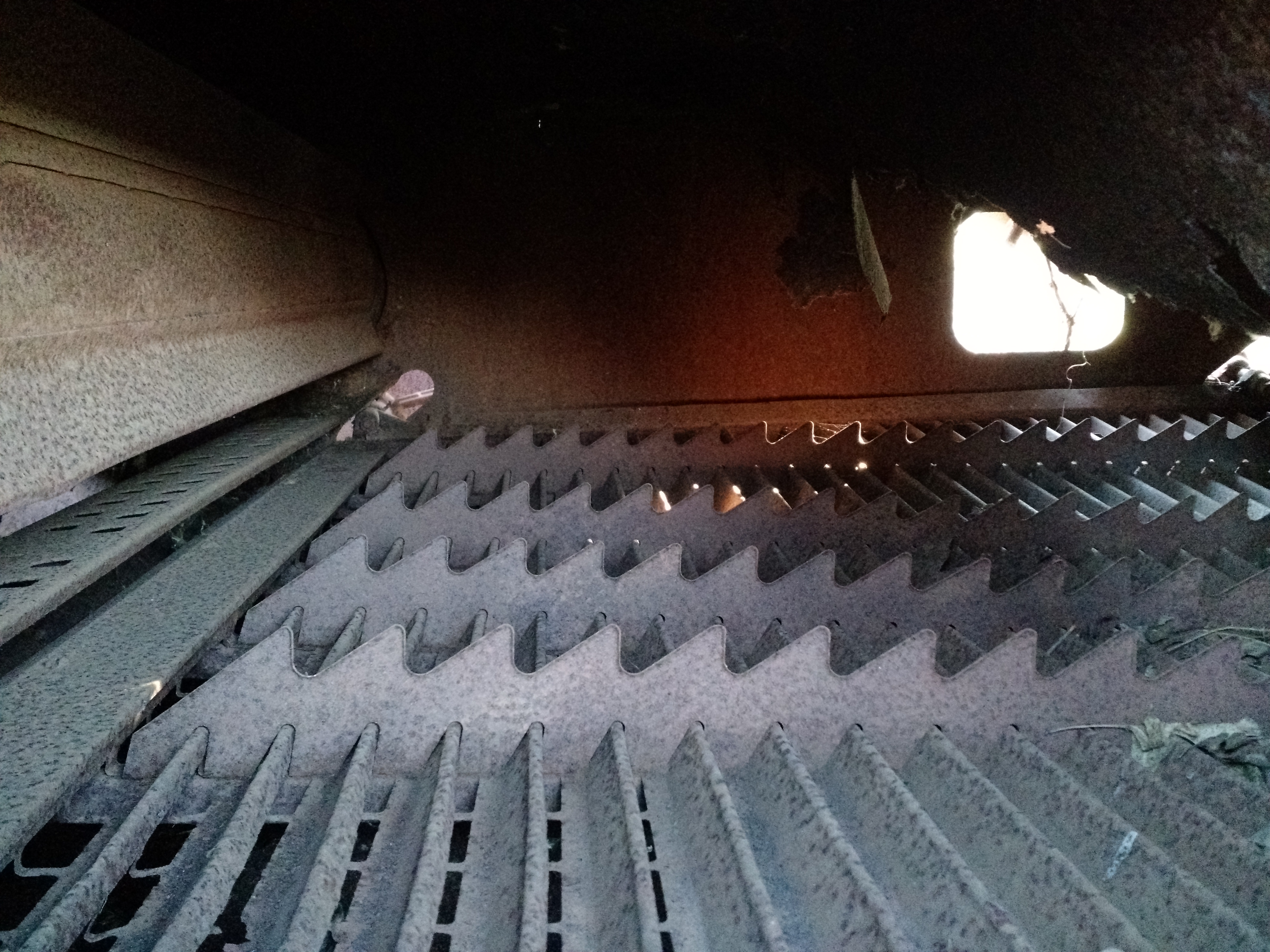
As with any phone camera I’ve dealt with though, the cracks begin to show at full resolution. The cracks on the Nexus 6’s camera are fewer and smaller than those on the Nexus 5, though. It seems to this reviewer that the Nexus 6’s image processing is attempting to aggressively eliminate noise, which causes some details to look like mosaic pieces, smooth but perhaps wedged into place, whereas the Nexus 5 is less prone to this, but suffers from lower resolution and ostensibly less favorable processing overall. In low-light situations, this effect is particularly evident on the Nexus 6. In some ways it is preferable to the alternative, but it’s not perfect.
Objectively, the Nexus 6’s photos are not terribly strong at 100%, and the camera is prone to the occasional blown-out highlight, but the colors are true, the clarity is there, and HDR+ really shines on the device. In general, the Nexus 6's HDR+ photos had color truer to the actual scene than its Nexus 5 or Moto X counterparts, but still picked up the (high dynamic) range of light necessary to make a compelling image.
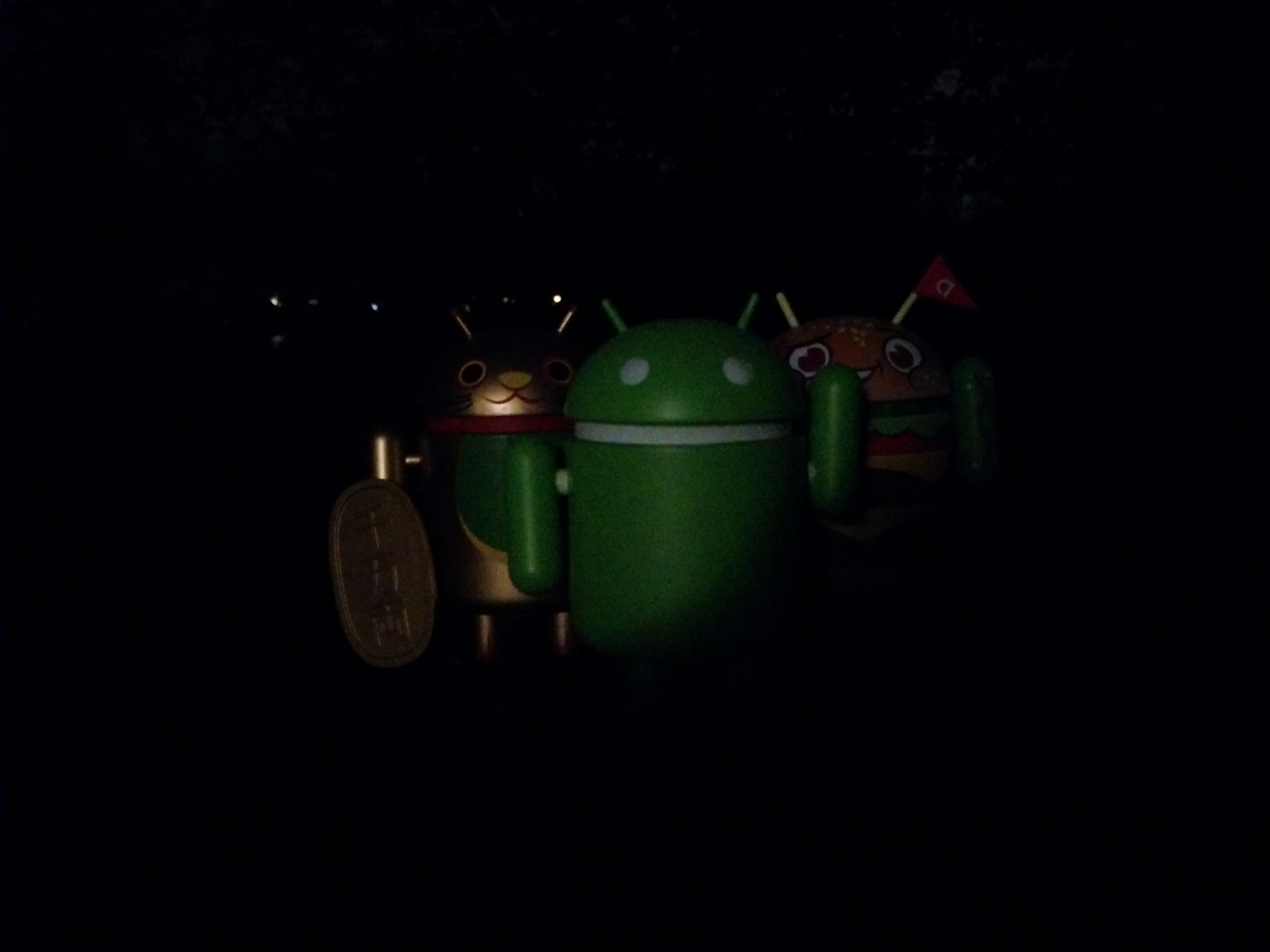
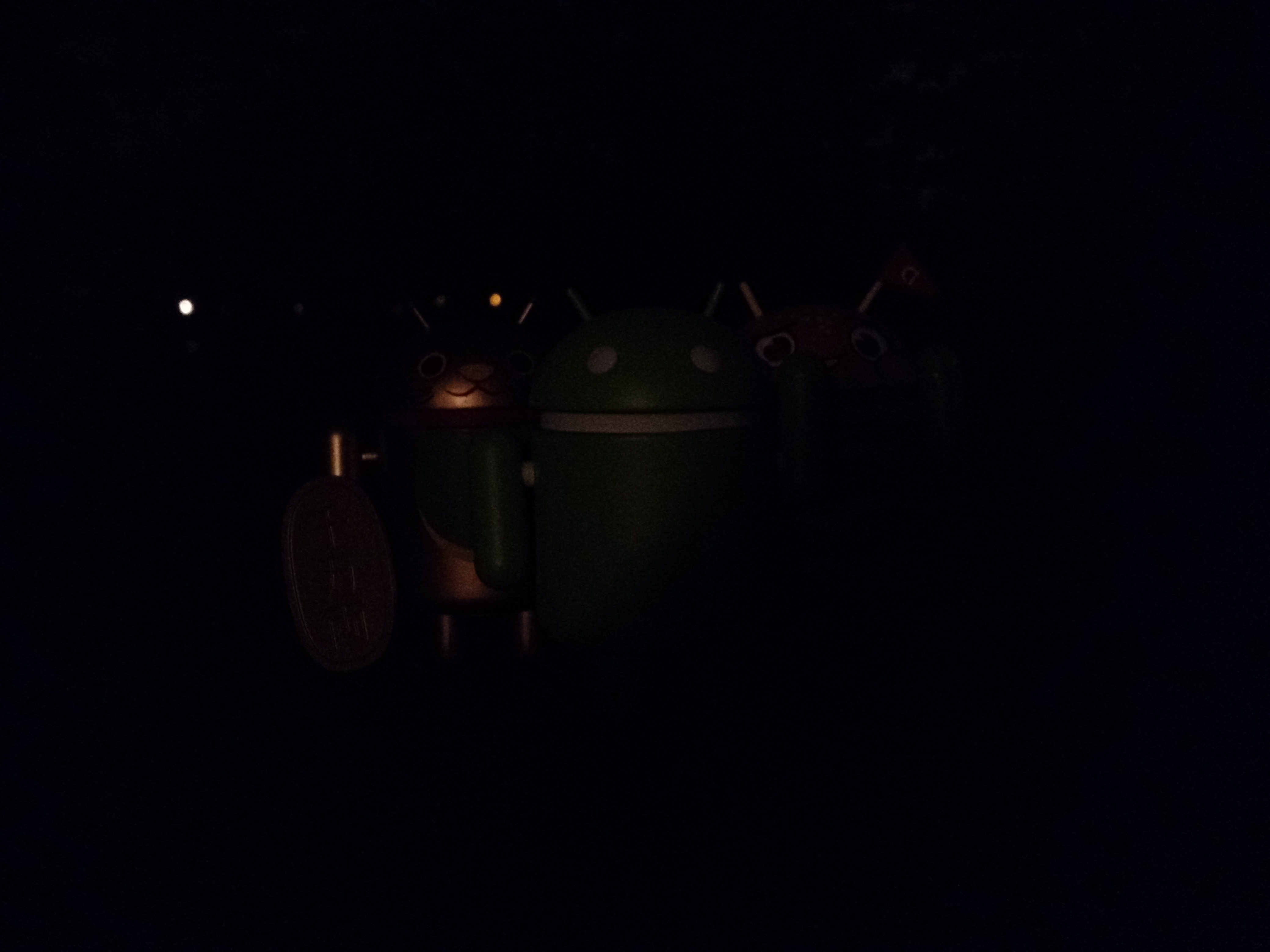
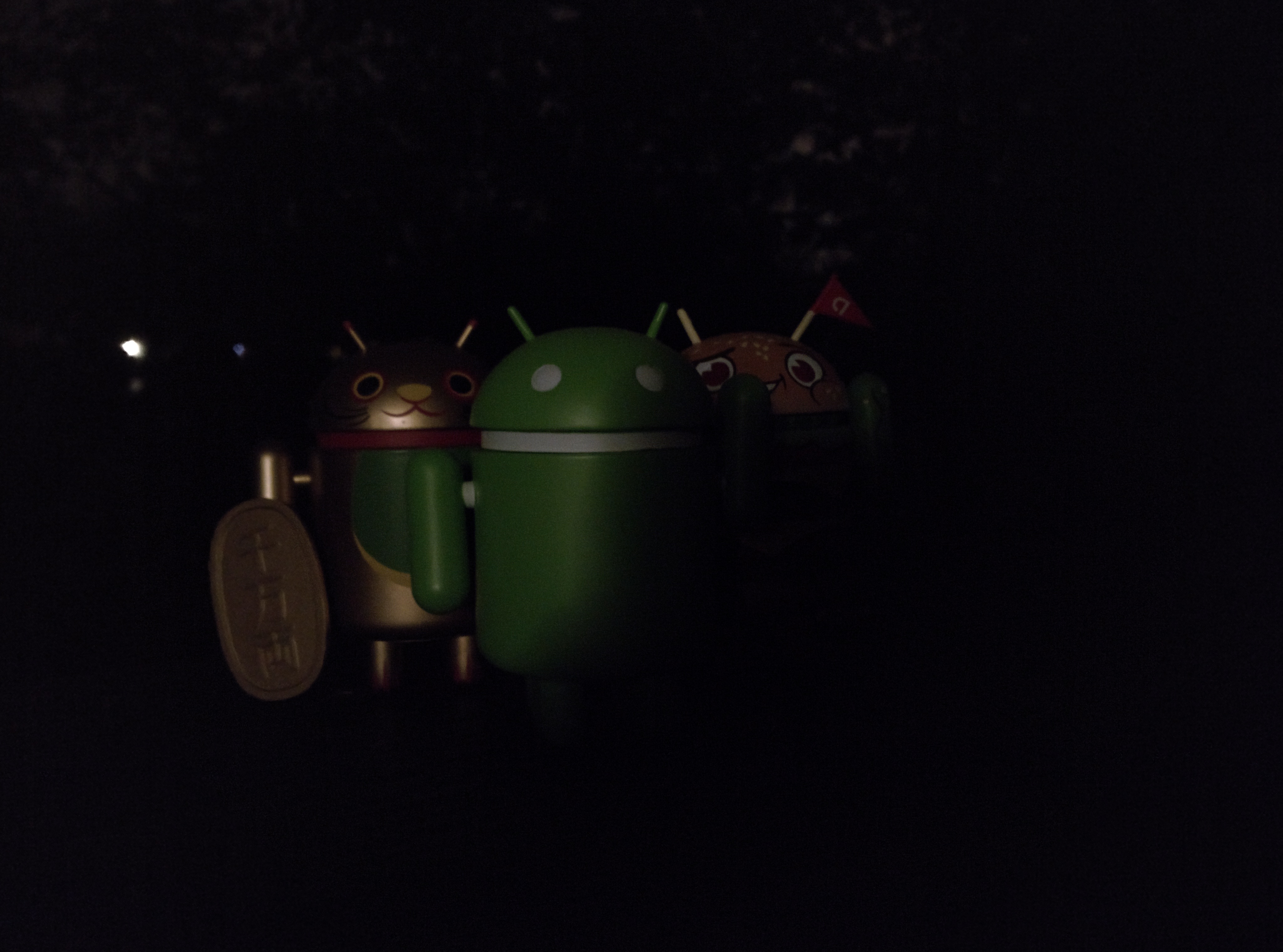
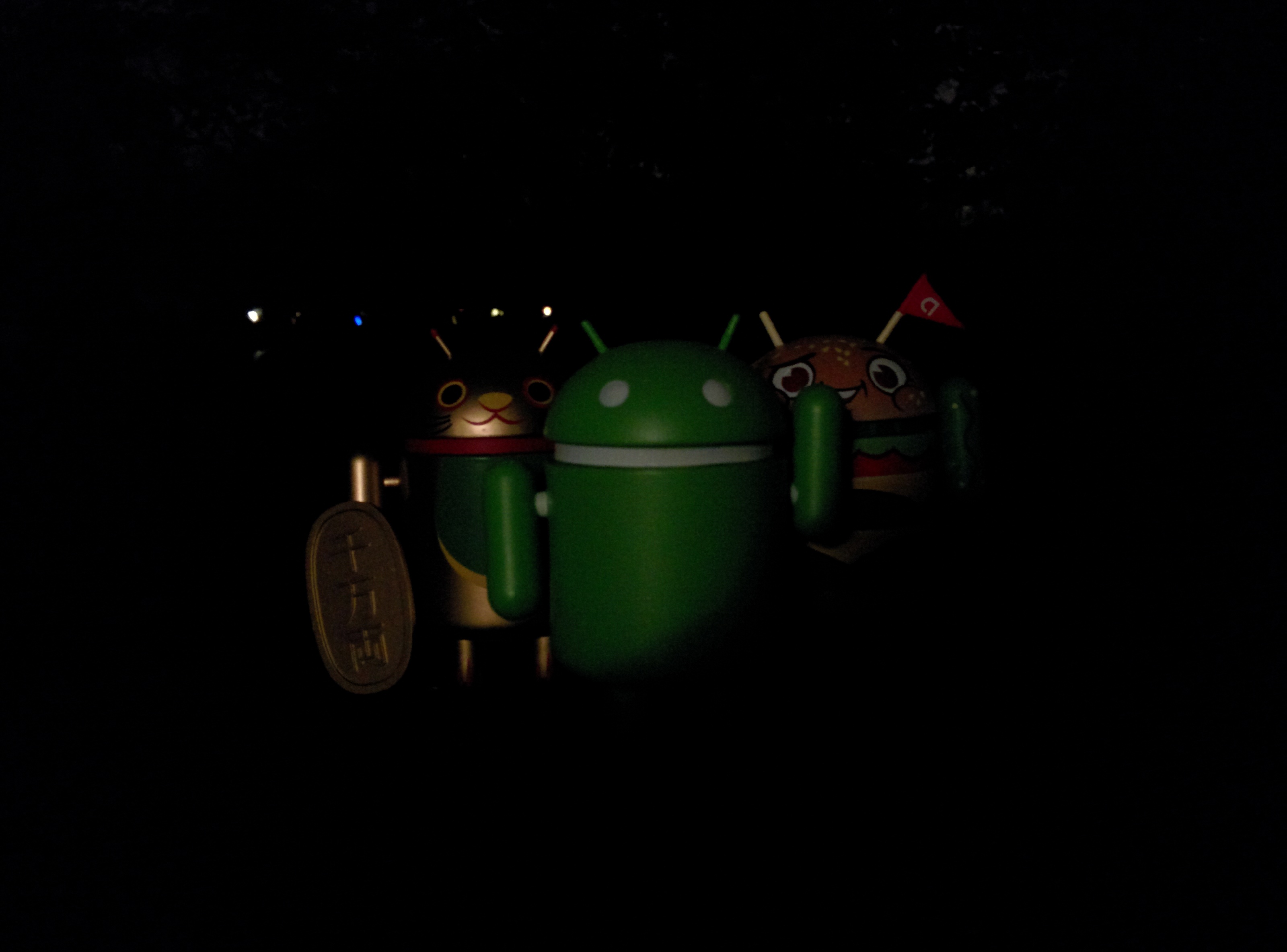
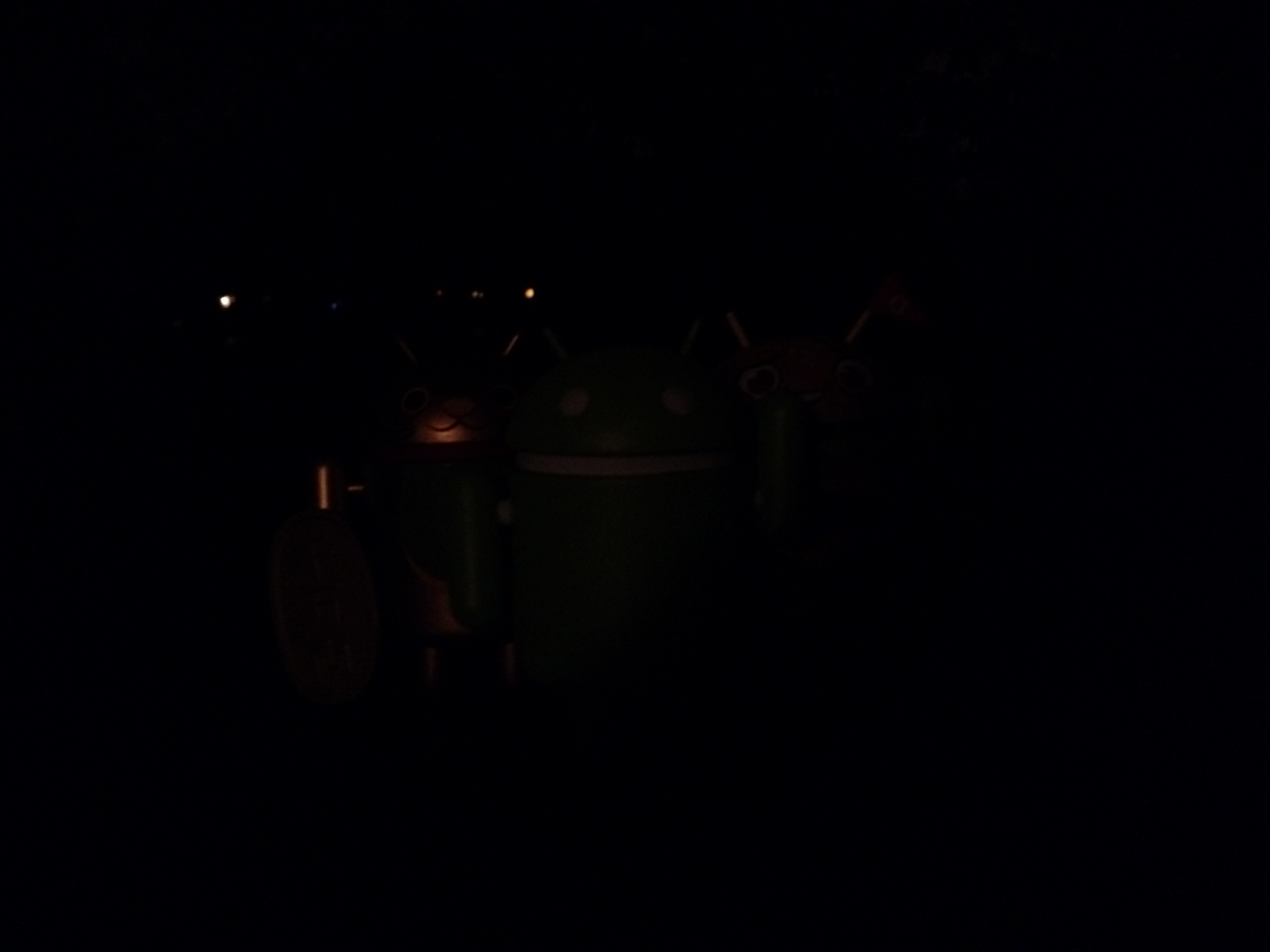
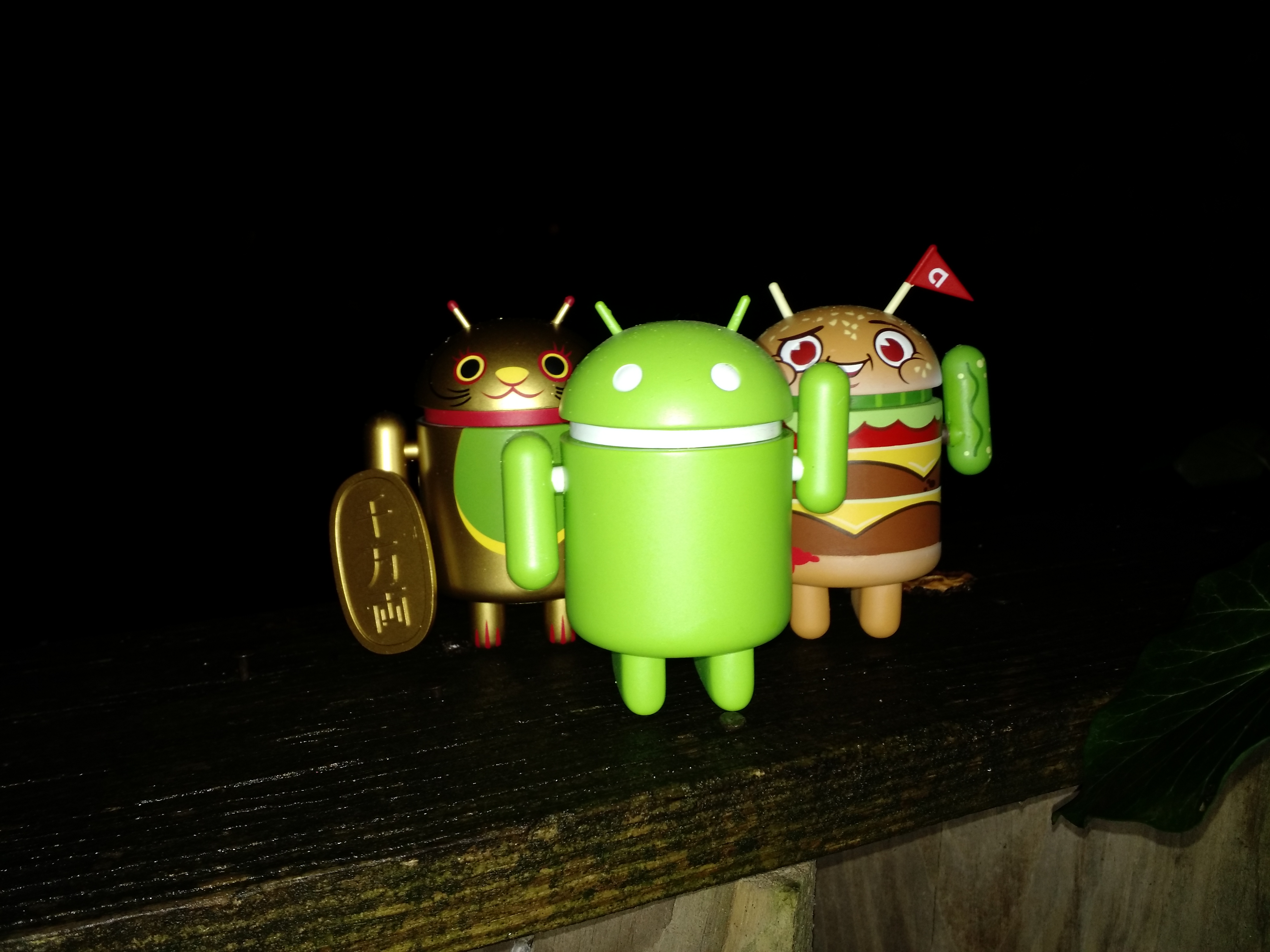
My opinions out of the way, here are some comparisons between the Nexus 6, Moto X, and Nexus 5, with some HDR comparisons thrown in too.


Left: Nexus 6, Middle: Nexus 5, Right: Moto X
Top: Normal Exposure, Bottom: HDR/+


Left: Nexus 6, Middle: Nexus 5, Right: Moto X
Top: Normal Exposure, Bottom: HDR/+


Left: Nexus 6, Middle: Nexus 5, Right: Moto X
Top: Normal Exposure, Bottom: HDR/+


Left: Nexus 6, Middle: Nexus 5, Right: Moto X


Left: Nexus 6, Middle: Nexus 5, Right: Moto X
Top: Normal Exposure, Bottom: HDR/+


Left: Nexus 6, Middle: Nexus 5, Right: Moto X
Top: Normal Exposure, Middle: HDR/+ Bottom: With Flash
Below is a quick video sample. Audio capture isn't perfect, but the phone does do a good job of blocking out irrelevant noise, providing good enough sound for what I'm looking for in a smartphone camera. The camera does want to re-focus itself during capture, though, and digital zoom is still choppier than it should be.
Stability and Performance
As I've said a couple of times in this review, the Nexus 6 is fast. It's also reliable. If you've experienced performance issues and random stutters on the Nexus 9 as I have, the Nexus 6 will be a complete turnaround. If you're into benchmarks, here's a quick AnTuTu test:


Pretty good, right? The performance on the Nexus 6 is notable. Like its predecessor the Nexus 5, this phone is smooth, fast, and - again - performs reliably. It's a great experience.
Lollipop on the Nexus 6
We won't be diving into the intricacies of the latest version of Android in this review (I'll save that foranother post), but it is worth talking about what Lollipop has to offer specifically for the Nexus 6 (and what it doesn't).
The biggest thing separating the devices in Google's new lineup is their waking functionality. The Nexus 9 has tap-to-wake but no ambient display, while the Nexus 6 has ambient display but no tap-to-wake (the feature was actually explicitly turned off by Google in this commit). The second is a source of frustration, as the fluidity of the Nexus 9's tap-to-wake is a great benefit. It is possible that the feature was switched off because it may interfere with lift-to-wake or ambient display functionality, but lift-to-wake has its own issues.
The feature doesn't always work immediately - pulling the phone out of my pocket, the screen often took 2 or 3 seconds to enter ambient mode, when I could double-tap the screen instantly to wake it. Whether the feature was deemed too redundant to appear on the N6 is neither here nor there, but this user would personally appreciate some sort of option for waking features.
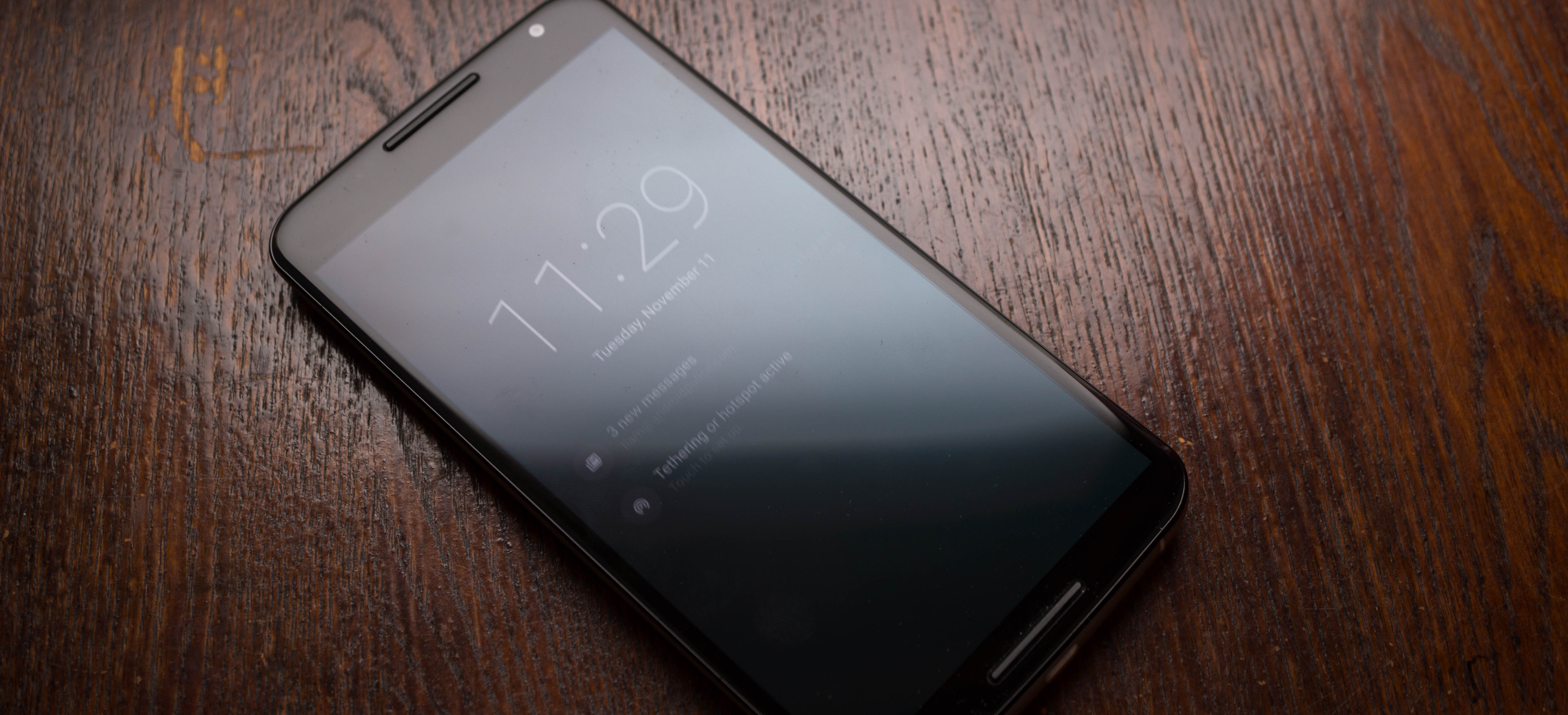
Speaking of ambient mode, I am actually more enthusiastic about the implementation Google's chosen for Lollipop than I am for the implementation on my Moto X. For example, the Moto X does not show Google+ notifications, but since Google's ambient mode shows a black-and-white version of the entire lock screen (minus the wallpaper), I can see every notification that comes in.
What's also great is that touching anything on the screen instantly brings it to life. There's no downtime between your touch and interaction with the elements on the screen. If you begin a swipe in ambient mode, it continues when the screen comes alive instantly.

Elsewhere, there aren't many notable optimizations made for the Nexus 6's massive screen on Lollipop. Apple chose to encourage developers to create alternate layouts for its giant iPhone 6 Plus, but Google is still taking a more holistic stance, encouraging developers to simply make interfaces that work well at every size, working more with scale than specific types of layouts. Frankly I am okay with this. In my opinion, even on an ample 5.9" display, a two-pane layout in one app may still feel cramped, even in landscape mode. That said, the Nexus 6 makes a good reference for developers for larger phones, and there are still some things to think about.
Whether the split-screen functionality explorations we took a look at (shown in our materials on a 4:3 display a la the N9) will make it to the Nexus 6 remains to be seen, but I'd be interested to see how much productivity it added.
Google's launcher does make fair use of the screen real estate. The launcher icons haven't shrunk, but the app grid in the drawer is 4x6, cutting down - at least marginally - on swiping when looking for an app. Additionally, the Nexus 6 is included in the supported hardware for Google's new always-listening feature in Lollipop, which allows users to trigger Google even when the screen is off and the phone isn't charging. This is something I'm accustomed to from my time with the Moto X, and makes a great addition to stock Android.
One more thing - as we've mentioned before, Google has introduced a new feature that - during initial setup - allows carrier bloat apps to be downloaded automatically. During setup, my review unit downloaded one T-Mobile app called "My Account." The app appeared automatically, but I was able to uninstall is just as easily as any other app, which is awesome.
Conclusion
As I said in the opening to this review, I generally really like the Nexus 6. Google has effectively removed the need to qualify its flaws with its price, and in fact there are very few flaws at all as far as I can tell.
The predictable lack of expandable storage or removable battery and the overall heft of the device may be deal breakers for some, especially with Samsung's Galaxy Note 4 floating around. But that doesn't negate my opinion that the Nexus 6 is a great device.
Personally, I've not toted a phone as big as the Nexus 6 before, and while it was an adjustment I've become accustomed to the size of the device. As I transition back, the Moto X 2014 feels absolutely tiny. If you're worried about size, you'd be well-advised to go check the phone out in person before making a final decision.


 Nexus 6 charger


 Posts
Posts